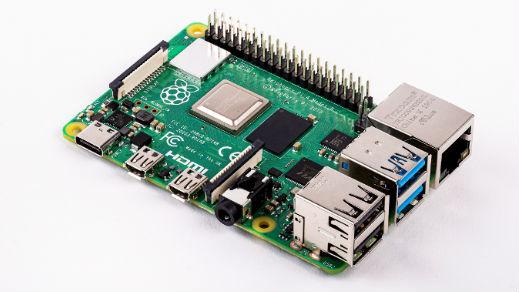
Raspberry PI树莓派设置中文输入法

Raspberry PI树莓派设置中文输入法

打开树莓派终端,中文输入法sunpinyin和google拼音输入以下指令:

sudo apt-get install fcitx fcitx-googlepinyin fcitx-module-cloudpinyin fcitx-sunpinyin

安装完成后输入

sudo reboot

重启树莓派在树莓派设置首选项里有一个Fcitx配置,里面可以修改输入法的配置信息。

上一篇 Raspberry PI树莓派换源最新教程
下一篇 Raspberry PI树莓派开启 root 登录
目录
文章列表
1 时光荏苒,岁月如梭——致6月“毕业季”
时光荏苒,岁月如梭——致6月“毕业季”
2
第37届全国青少年科技创新大赛结束PV
第37届全国青少年科技创新大赛结束PV
3
记37届陕西省青少年科技创新大赛
记37届陕西省青少年科技创新大赛
4
旬邑县中学信息学奥赛班开课了
旬邑县中学信息学奥赛班开课了
5
Raspberry PI树莓派换源最新教程
6
旬邑县中学宣传片
旬邑县中学宣传片
最新评论
bitcoin
bitcoin
8月23日
This article is in fact a pleasant one it assists new web people, who are wishin
russian bet
russian bet
8月23日
Valuable information. Lucky me I found your site by accident, and I am shocked w
bahis
bahis
8月23日
You need to be a part of a contest for one of the highest quality blogs on the i